
The short version
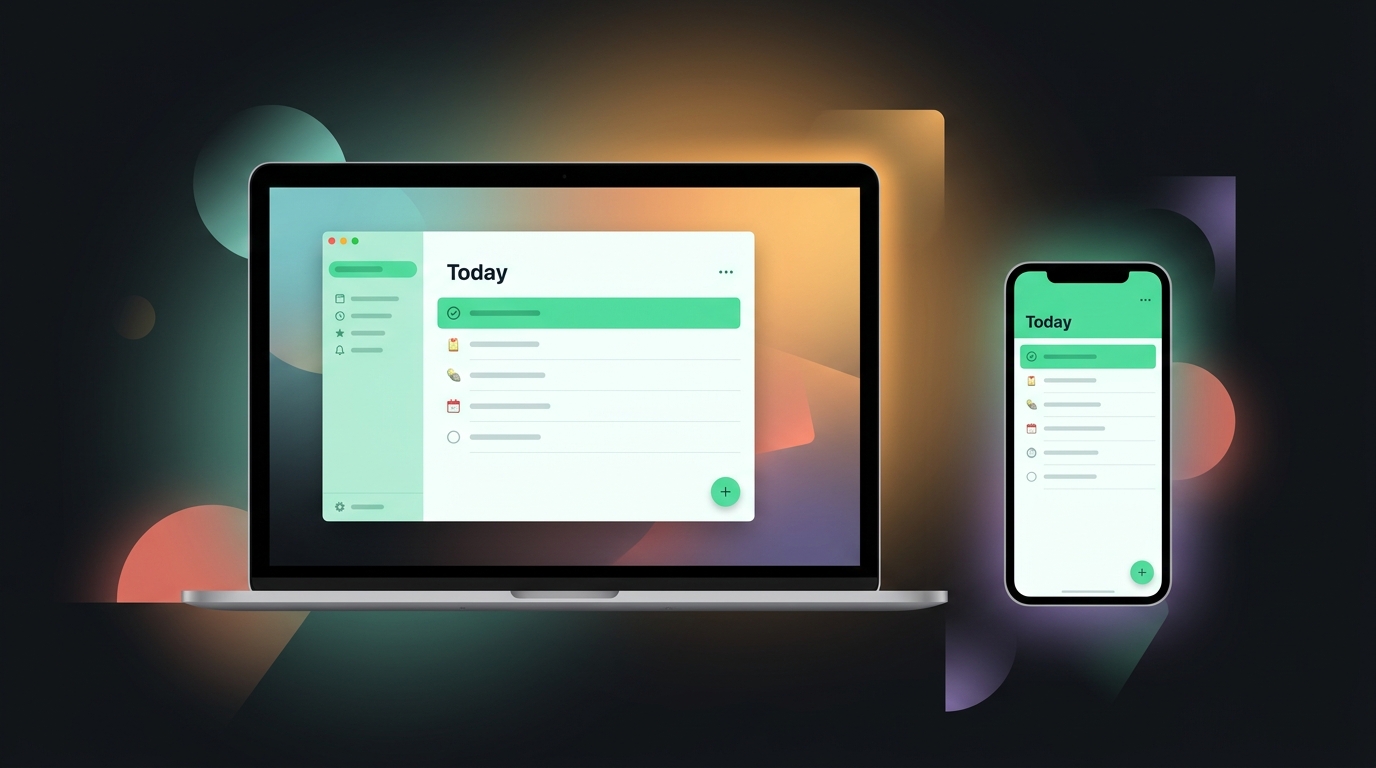
Things 3 is the calm task app for people who live in Apple land—if you’ll trust the Today view and stop re-organizing lists. One-time purchase per platform, no subscription. Cross-platform households need a different app—Things is Apple-only.
What it is
Cultured Code’s task manager for Mac, iPhone, iPad, and Watch. Areas → Projects → Headings → Tasks. No tags soup, no natural language circus—just a finishable Today list and handsome UI.
Core workflow
Setup (20 minutes):
- Inbox — default capture for brain dumps
- Areas — 3–5 max: Work, Home, Health, Side project
- Projects — only for multi-step outcomes with a done state
- Anytime / Someday — parking lots, not graveyards
Daily (5–10 minutes, morning):
- Open Today
- Pull from Anytime what you’ll actually do—be realistic, not aspirational
- Star or drag no more than ~7 items; everything else waits
- Evening: check off or reschedule; inbox zero-ish, not guilt-inducing zero
Weekly (15 minutes):
- Review Someday—delete stale junk
- Kill projects that died; celebrate ones that shipped
- Adjust Areas if your life changed (new job, new kid, new hobby)
Capture rule: Phone widget or Quick Entry → Inbox. Clarify later, not while walking the dog.
Strengths
- Today view feels finishable, not infinite
- UI quality that makes opening the app pleasant
- One-time purchase—no subscription creep on tasks
- Apple Watch glance actually useful for shopping lists
Weaknesses
- No Windows/Android—dealbreaker for mixed households
- Weak shared projects; not a family chore hub
- Power features (tags, complex filters) thinner than Todoist
- Easy to over-structure Areas and never do work
Pricing shape
Separate purchase per platform (Mac, iPhone/iPad bundle, Watch)—check Cultured Code for current prices. No free tier; trial via App Store policies.
Things 3 — Mac App Store and Cultured Code site.
Who it’s for / not for
For: Apple-only users who hate task app noise; people who want a daily ritual, not a second job managing tasks.
Not for: Android coworkers; GTD spreadsheet people; teams needing assignees and comments.
Alternatives (brief)
- Todoist — cross-platform, filters, collaboration
- Apple Reminders — free, good enough for many
- Paper — honestly competitive for under ten items
Try it
Buy Mac or iOS first—whichever you capture on. Run the Today ritual for fourteen days before you import old Todoist projects. Migration dumps recreate the chaos you left.